RetailFix
RetailFix Nearby
Your Nearby account
Change your name or email, sign out, or delete your shopper account.
Download the PDF1Your details#
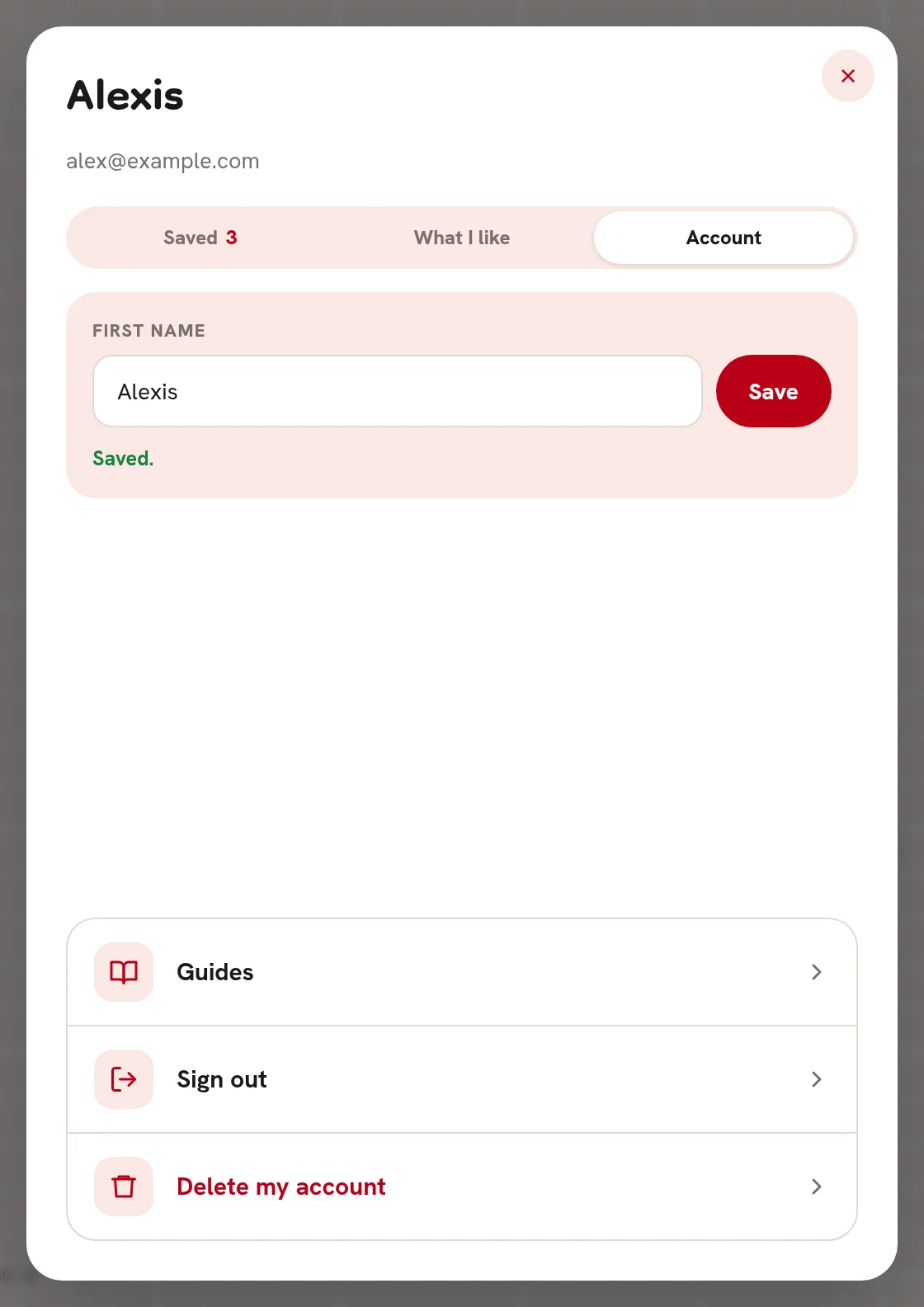
Click or tap your name at the top, then Account.
- Change your first name 1 and click Save 2. It says Saved.
- Your email 3 is how you sign in, so it can't be changed here.
- Guides 4 opens these guides.
- Sign out 5 signs you out on this device.
- Delete my account 6 deletes your shopper account.
To change your password, sign out and use Forgotten your password?
 123456
2Sign out#
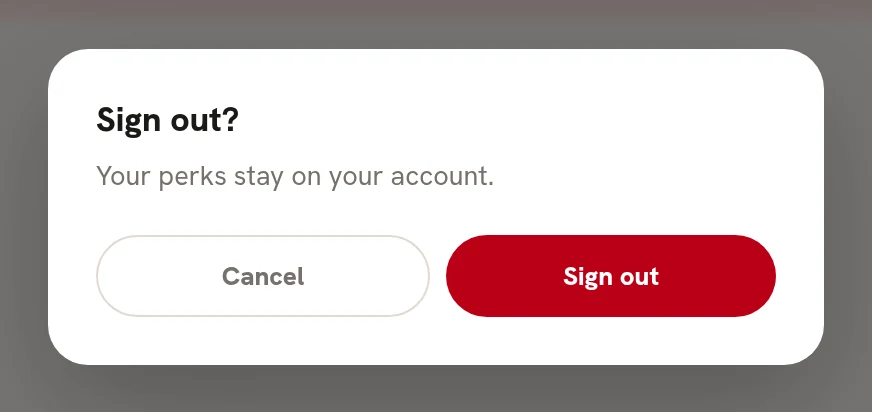
Sign out? Your perks stay on your account. Click Sign out 1.
 1
13Delete your account#
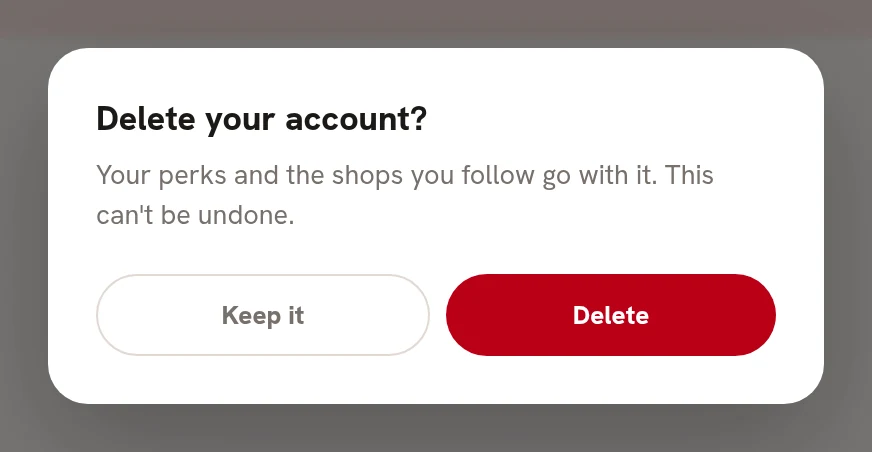
Delete your account? Your perks and the shops you follow go with it, and it can't be undone. Click Delete 1.
 1
1