RetailFix Nearby
Search and filters
Search for shops and products, and narrow the map by city, category, offers and opening hours.
Download the PDF1Search#
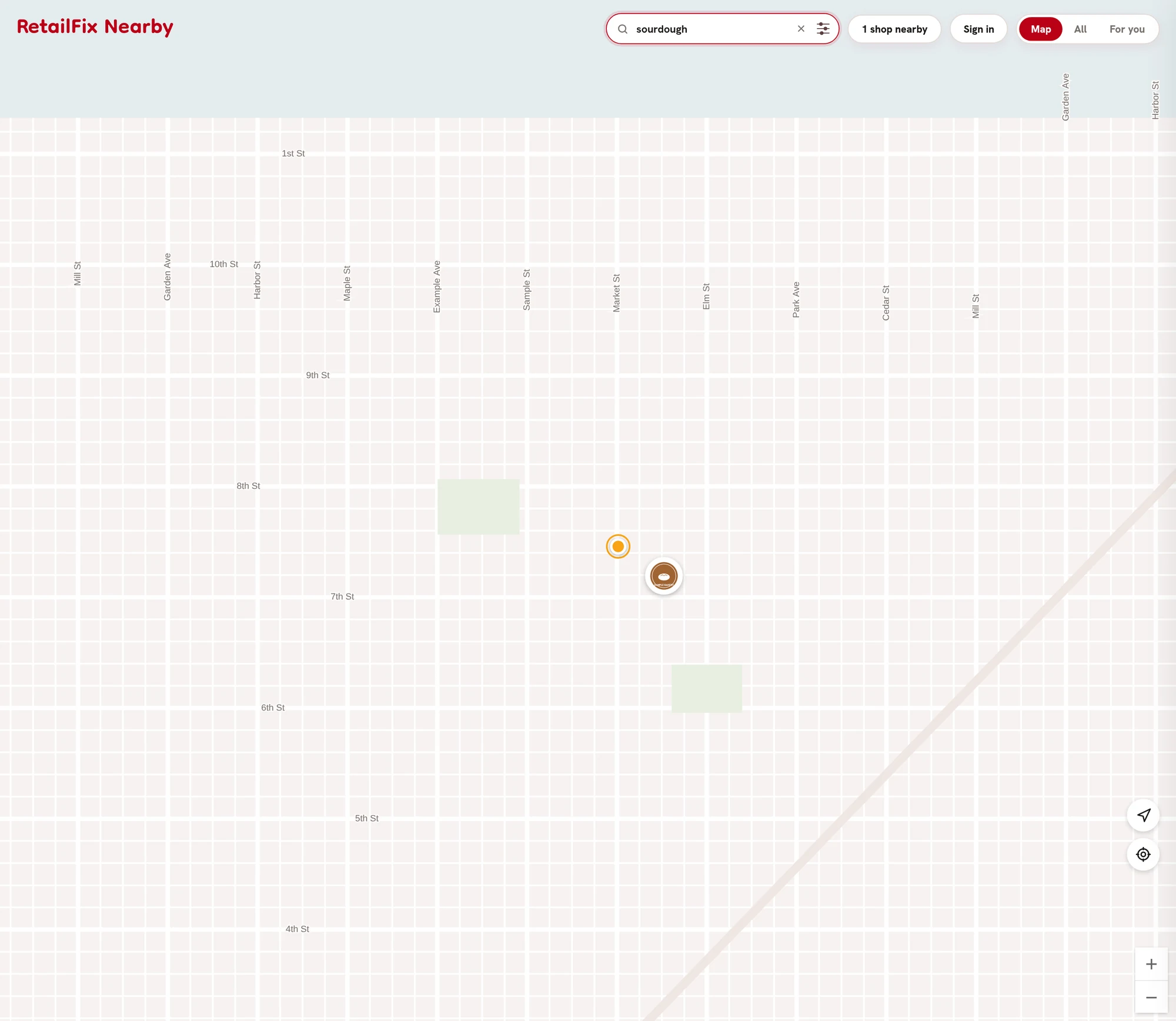
Type in Search shops or products. The map shows only the matching shops 2 as you type. The X 1 clears it.
It searches shop names, addresses and what they sell, and posts' titles, brands and text. Every word must match, but small typos and plurals are fine.
 12
122Go to the matches#
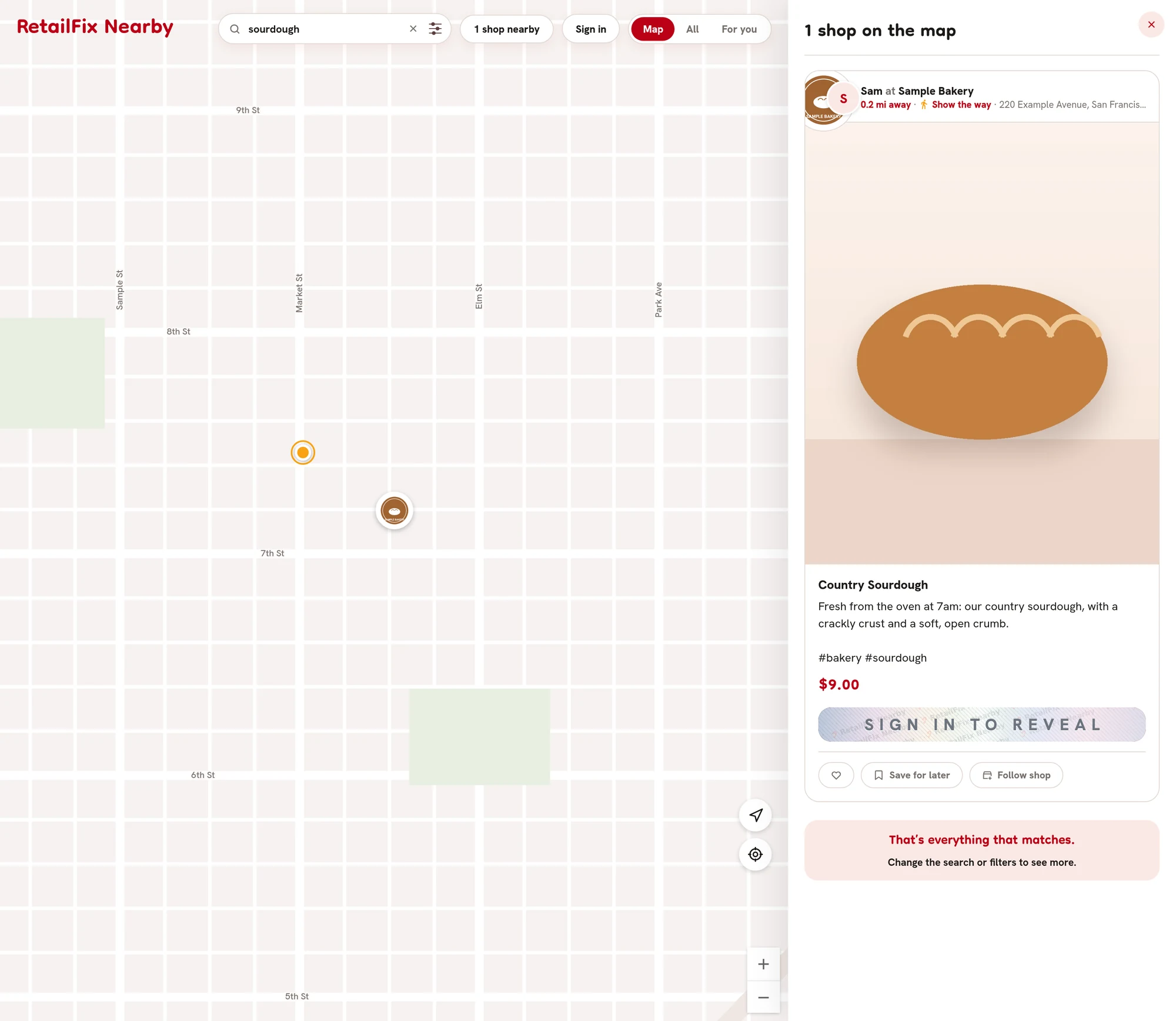
Press Enter to go to the matches. On a computer, every matching shop is listed in the panel beside the map 1. On a phone, the map moves to them, and with one match a message shows the shop's name.
No shops match that. means nothing was found.
 1
13Advanced search#
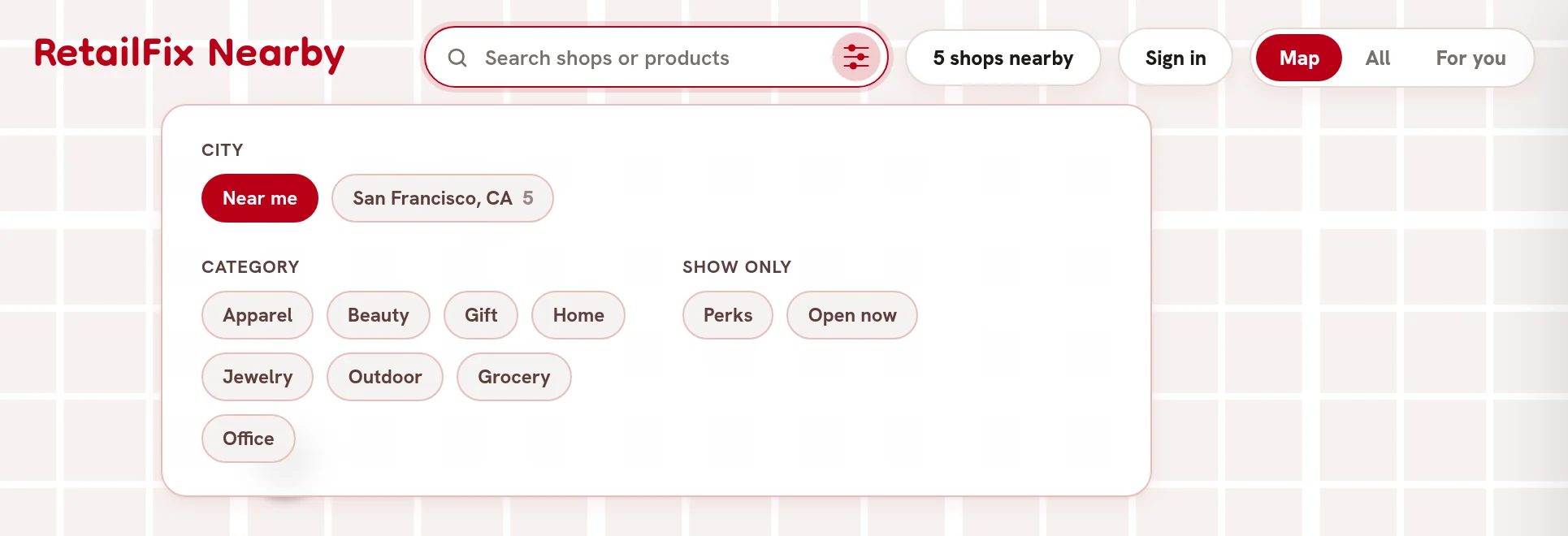
Click or tap the sliders in the search box.
- City 1: Near me, or a city with its number of shops.
- Category 2: the kinds of shop.
- Show only 3: Perks for posts with an offer you can still use, and Open now for shops open at this moment.
 123
1234Your filters#
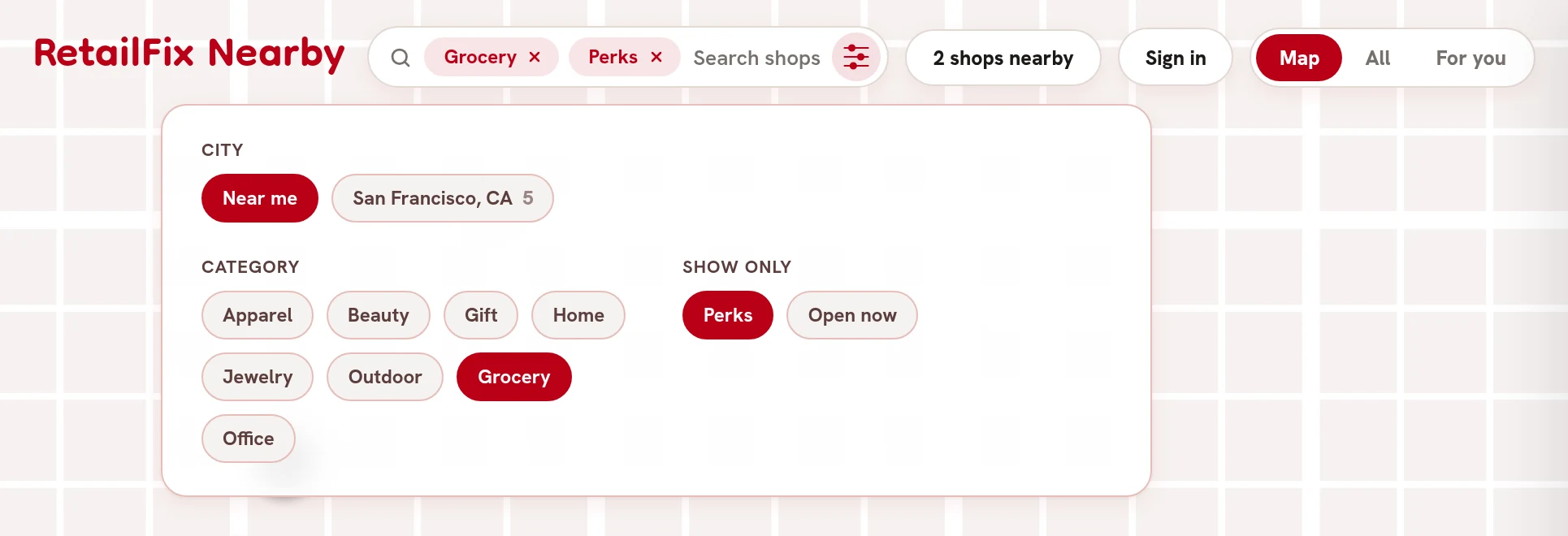
Each filter shows in the search box 1. Click or tap its X to remove it. Filters are cleared when you reload the page.
 1
1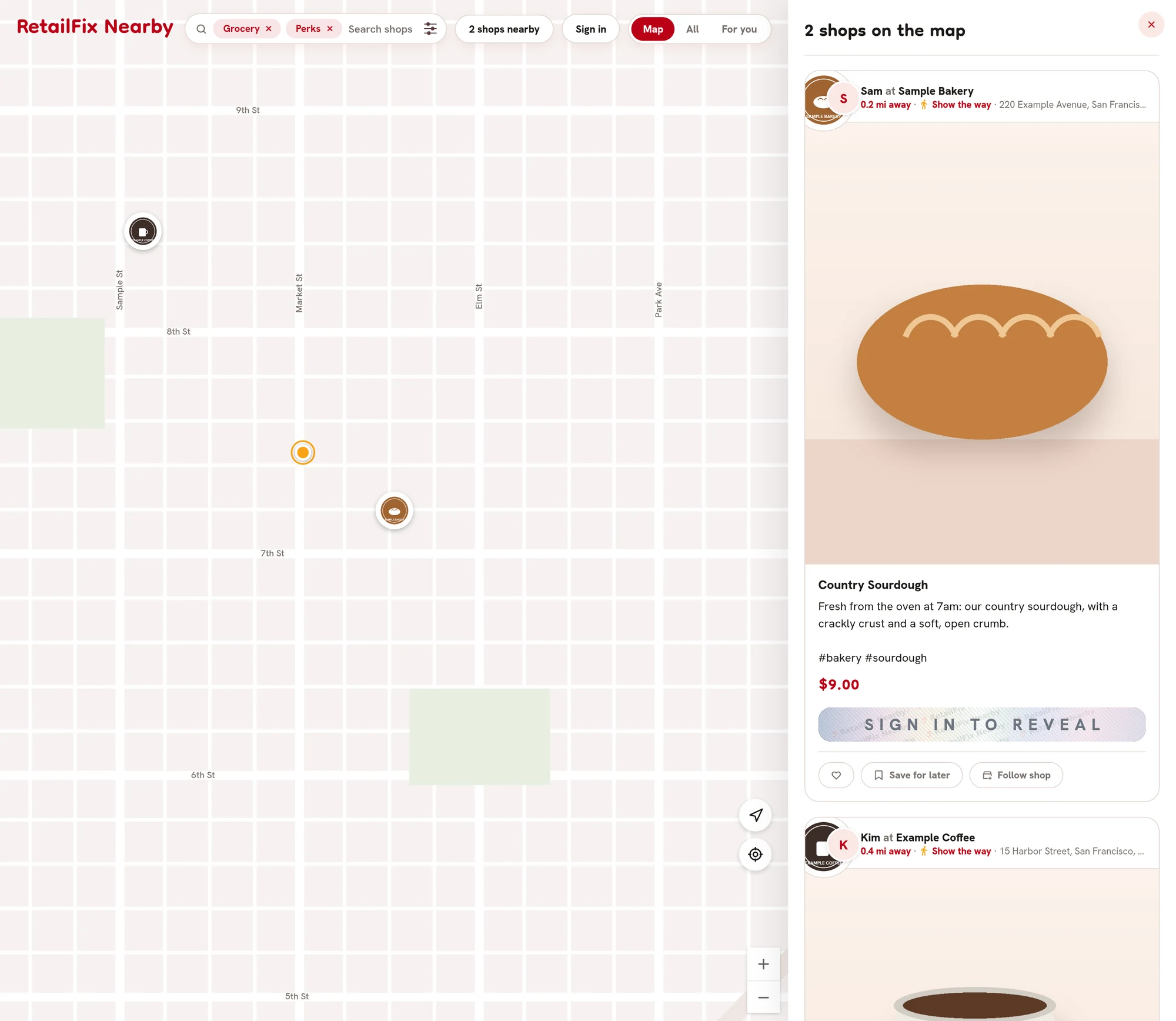 1
1