RetailFix
RetailFix Nearby
Posts and video
What's on a post: the shop, photos, price, offers and buttons, and how video plays.
Download the PDF1Who posted it#
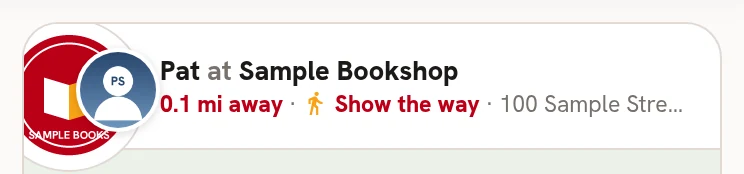
The top of a post shows the shop, and who posted it 1. Then how far away it is 2, Show the way 3, and the address. Tap the top of the post to open the shop.
 123
1232The post#
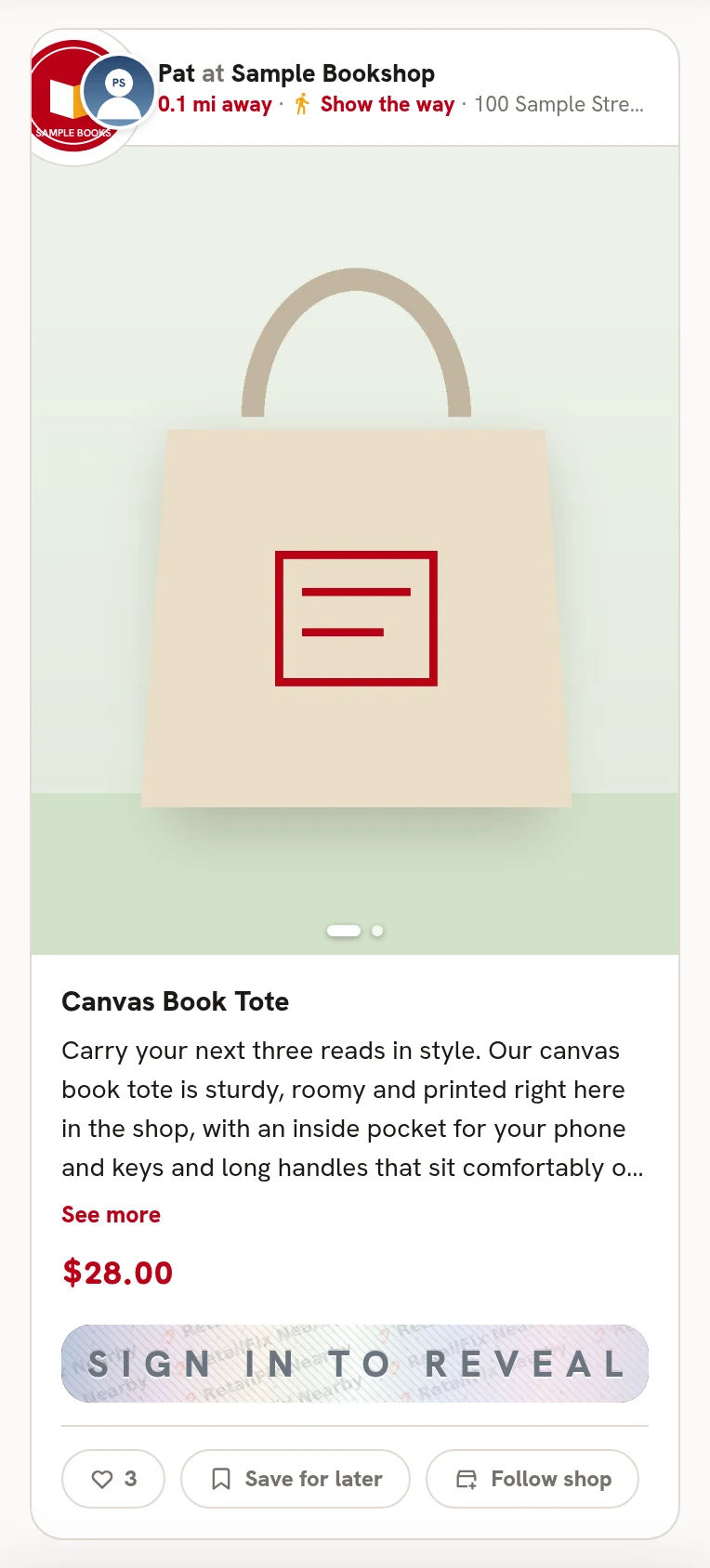
- Swipe the photos. The dots 1 show how many there are.
- See more 2 opens long text.
- The price 3. On sale, the old price is crossed out.
- A post with an offer has a scratch card 4.
- Like 5, Save for later 6 and Follow shop 7. You need to be signed in for these.
- Some posts have a Call button to phone the shop.
 1234567
3Read it all#
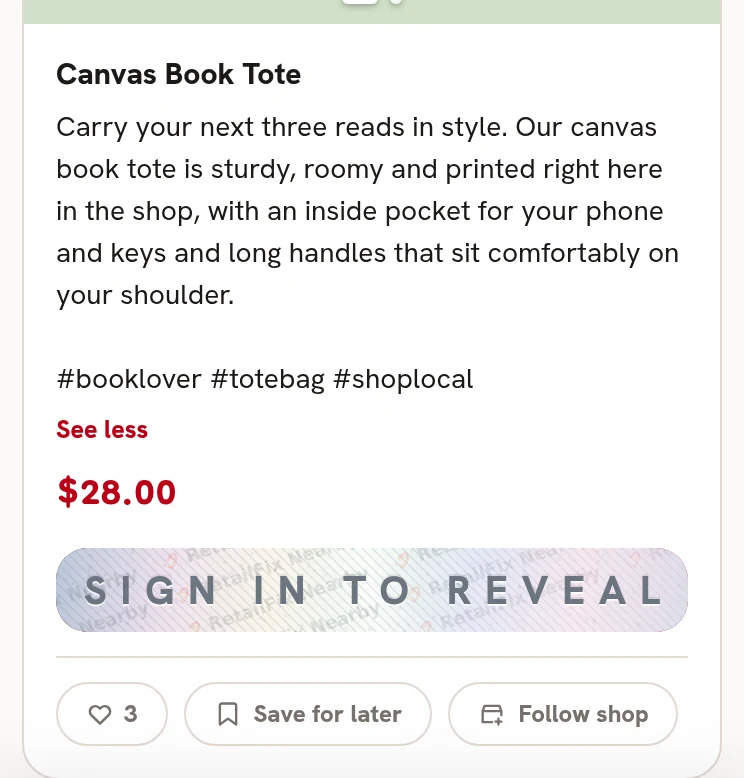
See less 1 closes it again.
 1
14Video#
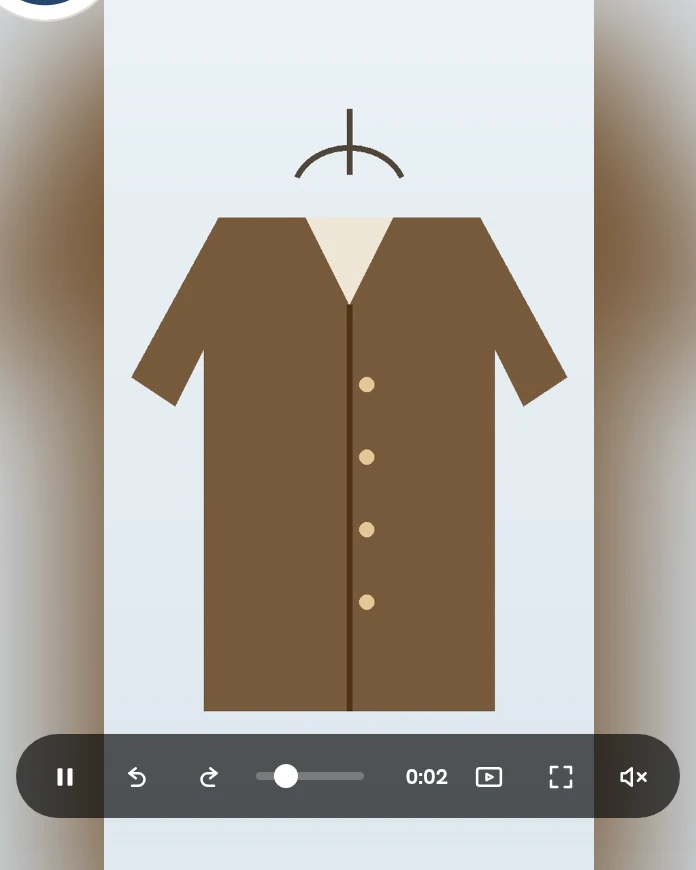
A video plays on its own, with the sound off, once most of it is on screen for 3 seconds. Tap it to show the controls:
- Play and pause 1
- Back 10 seconds 2 and forward 10 seconds 3
- The bar 4, to move through it
- Autoplay on or off 5
- Full screen 6
- Sound on or off 7
 1234567
5Autoplay#
Turning autoplay off says Videos won't play on their own. Your choice is remembered, on your account when you're signed in.
Signed out, you can watch 10 videos on a device. After that, Sign in to keep watching. Signed in, there's no limit.