RetailFix Nearby
Perks
Scratch a card to reveal an in-store perk, which saves it for you, and show its QR code at checkout.
Download the PDF1Scratch to reveal#
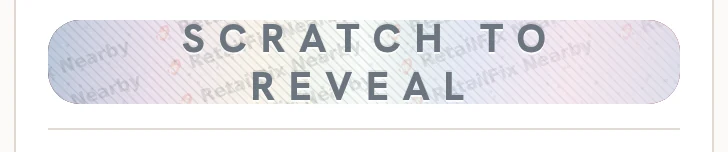
A post with an offer has a scratch card 1. Signed out, it says Sign in to reveal. Signed in, scratch it with your finger or mouse.
Nearly gone on a card means most of a limited offer has been used.
 1
12Your perk#
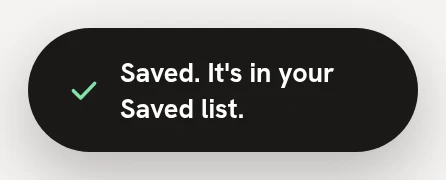
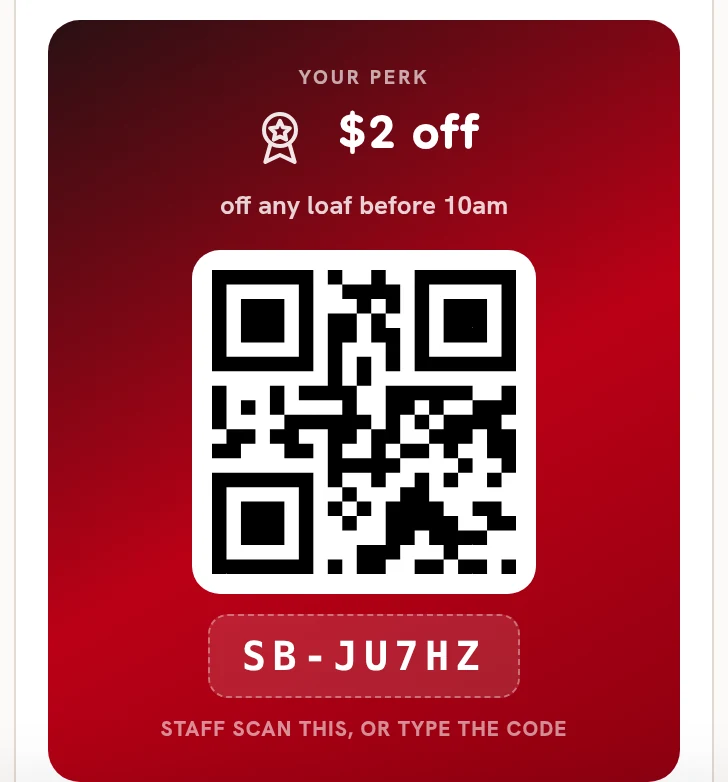
Under the foil is your perk 1, with its QR code 2 and its code 3. Scratching saves it for you: it says Saved. It's in your Saved list.
At checkout, staff scan the QR code, or type the code under it. The code is yours alone.
 123
1233Your perks in Saved#
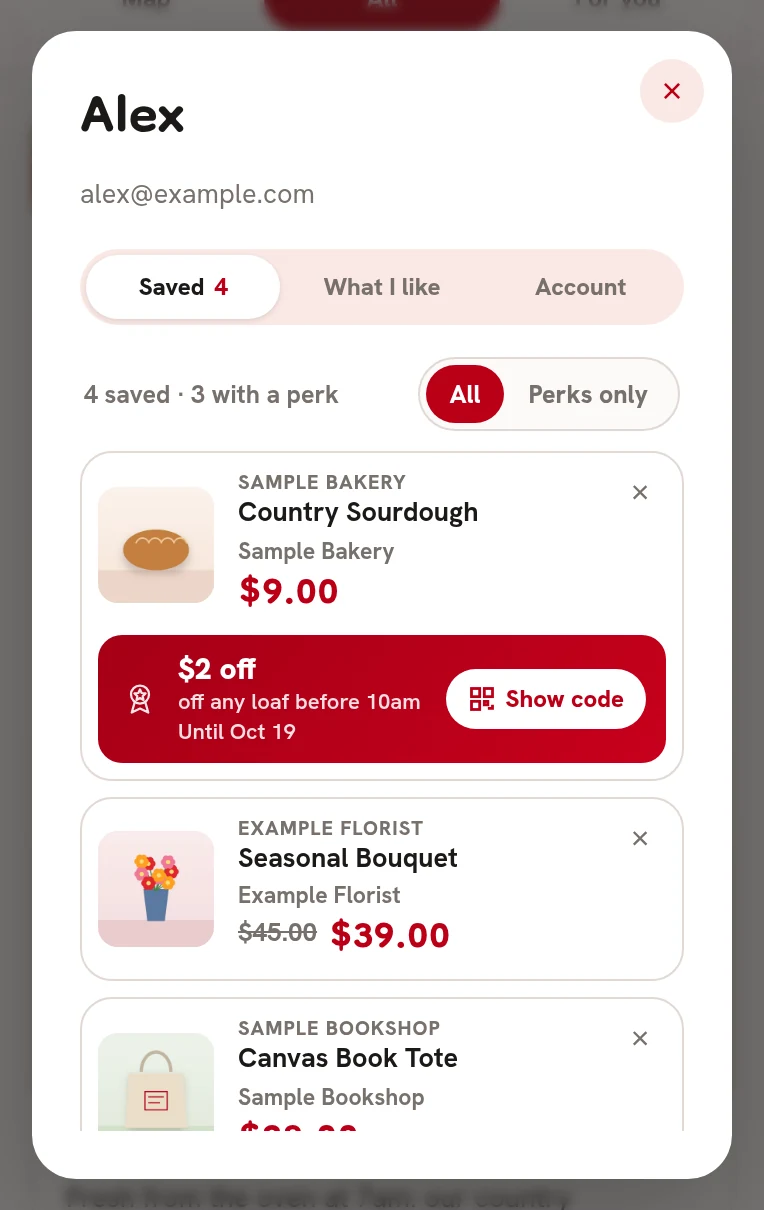
Tap your name at the top, then Saved 1. A saved post with a perk shows it underneath 2. Perks only 3 shows just those. Show code 4 turns a perk over to its QR code.
 1234
12344Used and ended#
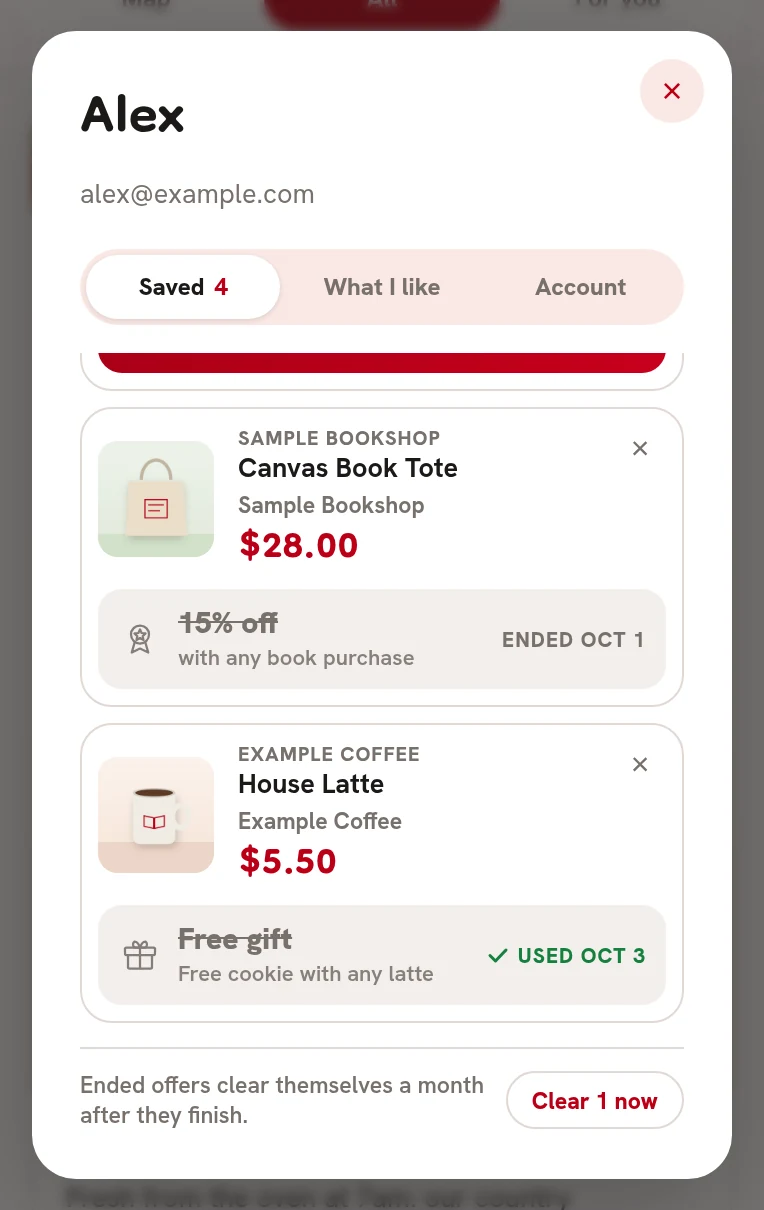
- Used 1 shows the date you used it.
- Ended 2 shows the date it finished.
- Ended offers clear themselves a month after they finish. Clear now 3 removes them sooner.
 123
1235Show code#
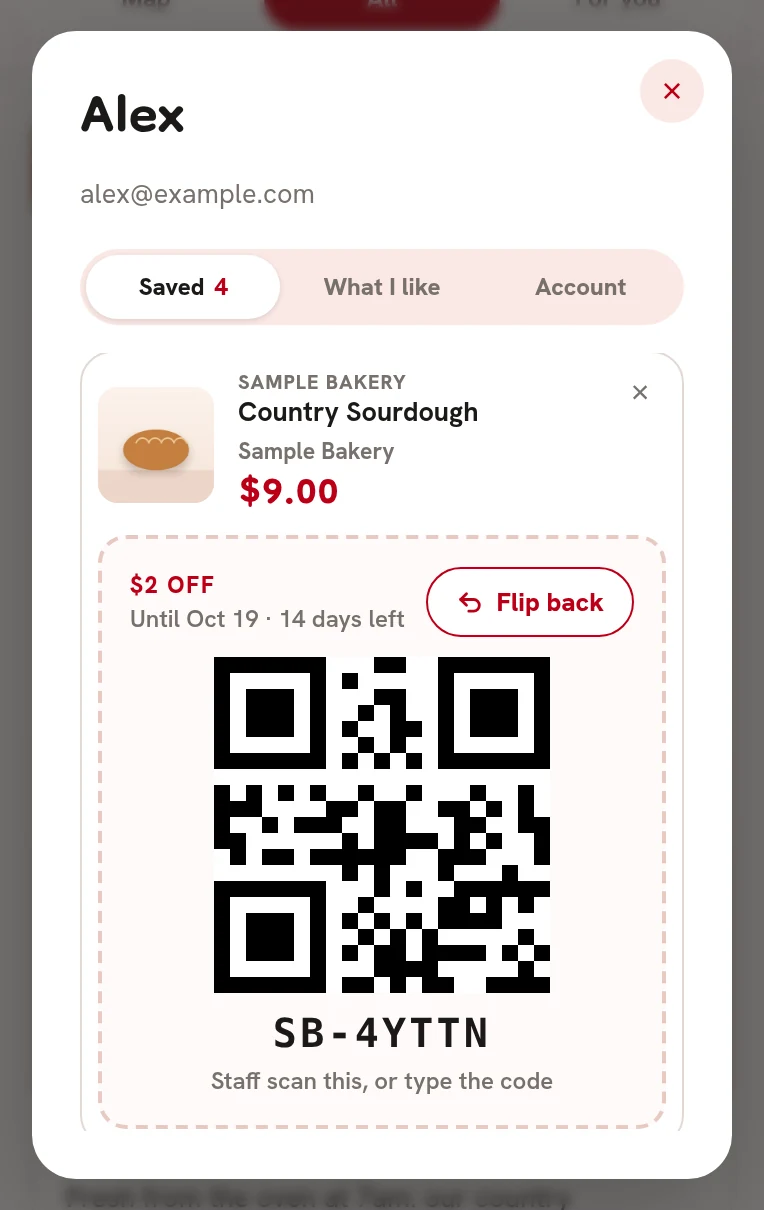
The QR code 1 is what staff scan at checkout, with the code under it to type in. Flip back 2 turns it back.
 12
126Remove one#
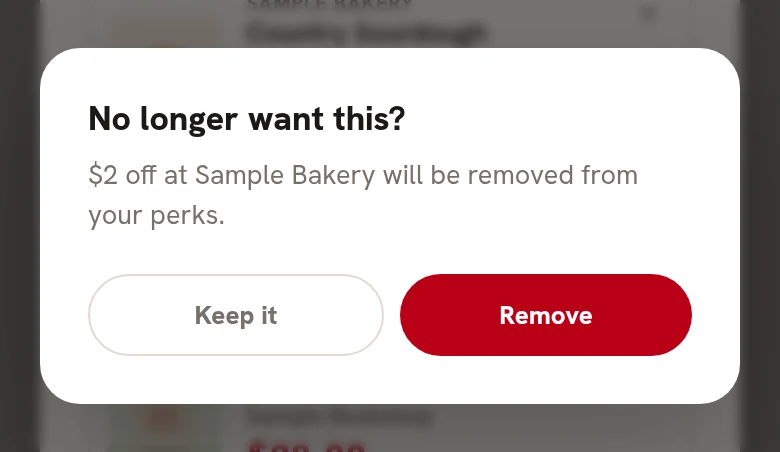
The X on a saved item asks No longer want this? Tap Remove 1.
 1
1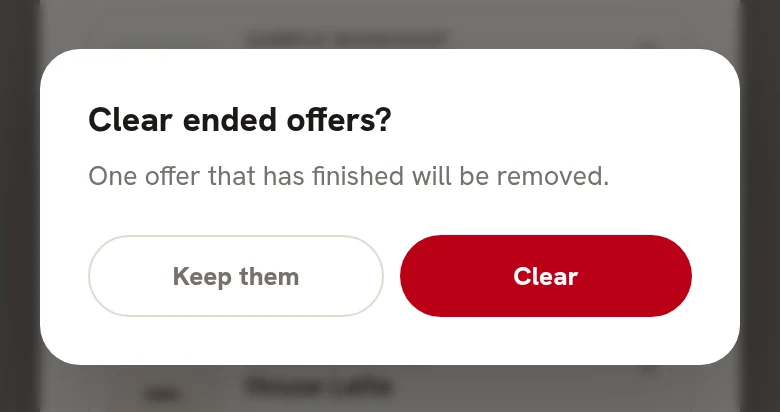 1
1