RetailFix
RetailFix Nearby
Likes, saves and follows
Like posts, save them for later, and follow the shops you love.
Download the PDF1The buttons#
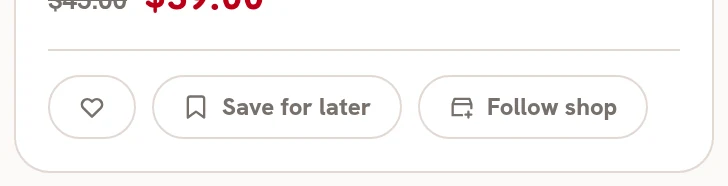
Every post has three buttons. Signed out, tapping one opens Sign in.
- The heart 1 shows the shop you like the post.
- Save for later 2 keeps the post in your profile.
- Follow shop 3 puts the shop's posts in For you.
 123
1232Saved#
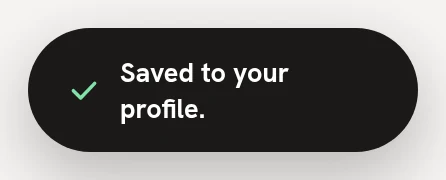
Saving says Saved to your profile. On a post with an offer, it says Saved. It's in your Saved list.
3Liked, saved, following#
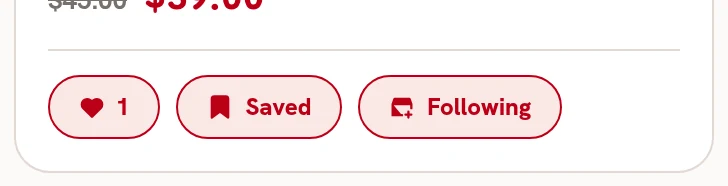
The buttons fill in: the heart 1 with the number of likes, Saved 2 and Following 3. Tap the heart or Saved again to undo.
 123
1234Unfollow#
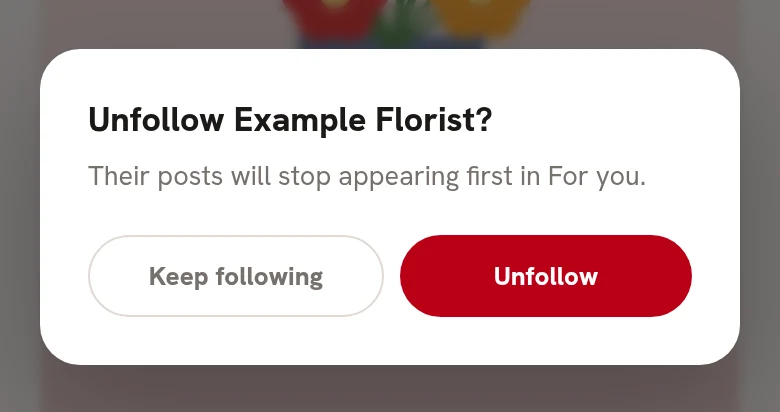
Tap Following to unfollow. It asks first: Unfollow 1 or Keep following 2.
 12
125Your saved posts#
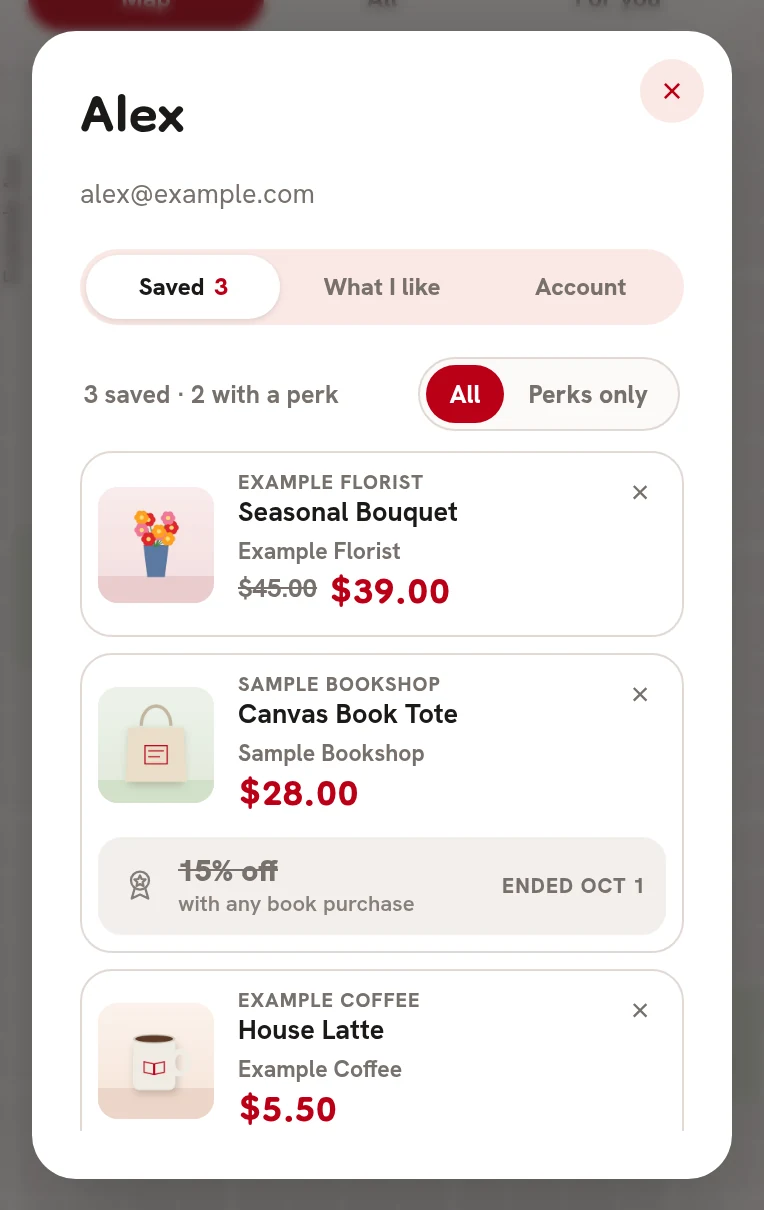
Tap your name at the top, then Saved 1. Tap a post to open it. The X removes it. A saved post with a perk shows the perk underneath.
 1
1