Getting started
Joining RetailFix Nearby
Create a free shopper account on RetailFix Nearby, sign in, and reset a forgotten password.
Download the PDF1Sign in#
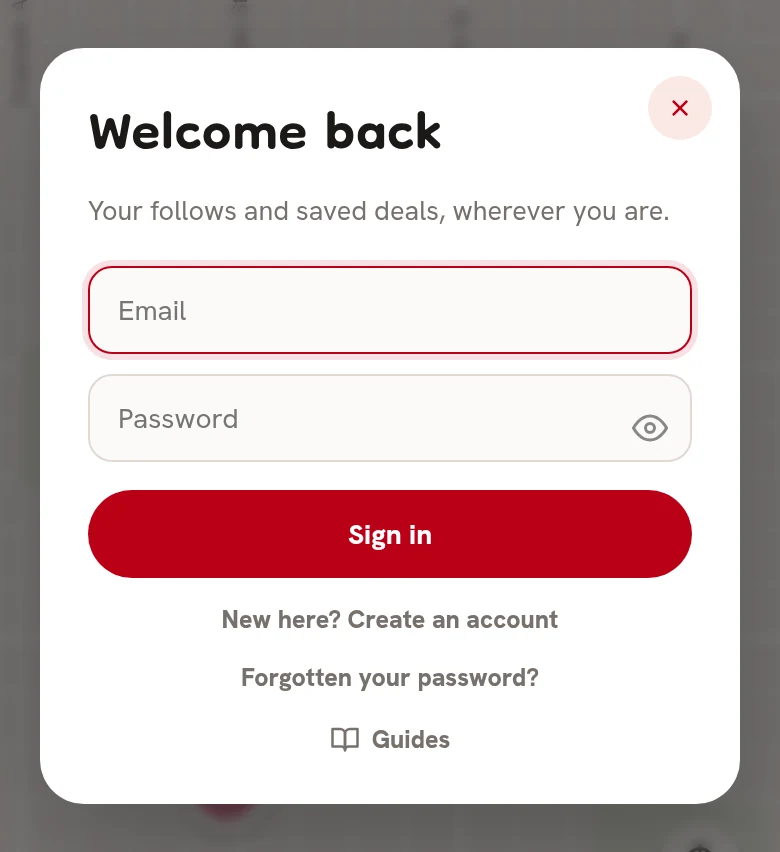
Go to nearby.retailfix.com and tap Sign in at the top. Welcome back opens.
- Enter your email 1 and password 2, then tap Sign in 3.
- New here? Create an account 4 makes a new account.
- Forgotten your password? 5 sends you a reset link.
If you already have a RetailFix account, that email and password work here too.
 12345
123452Create an account#
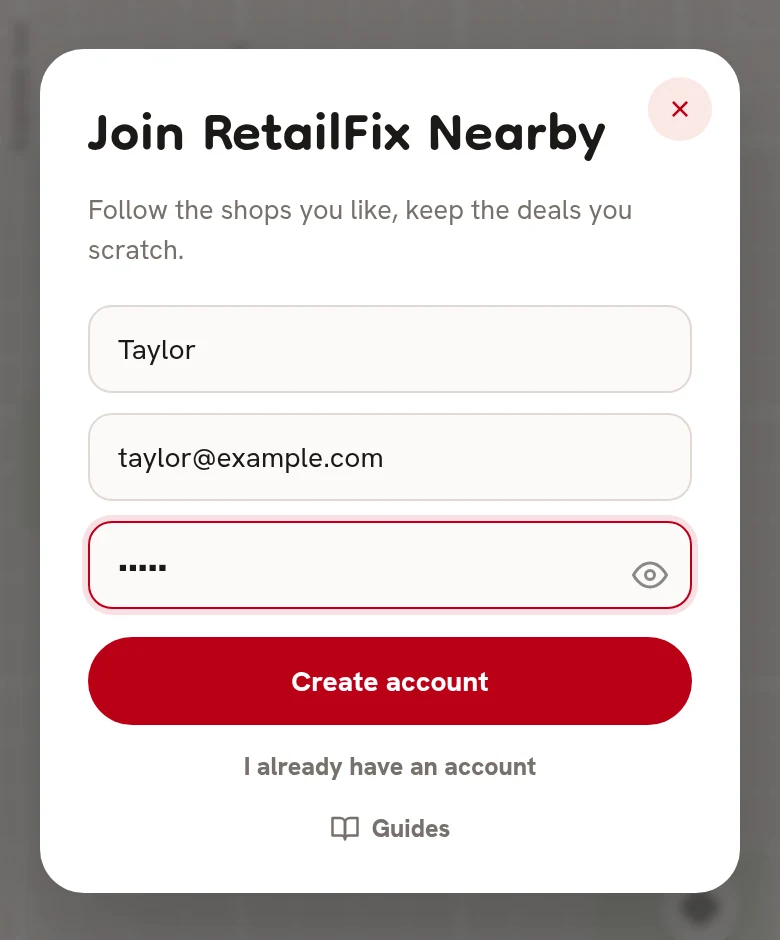
Join RetailFix Nearby asks for your first name 1, email 2 and a password 3 of at least 12 characters. Tap Create account 4. I already have an account 5 goes back to signing in.
 12345
123453If it doesn't work#
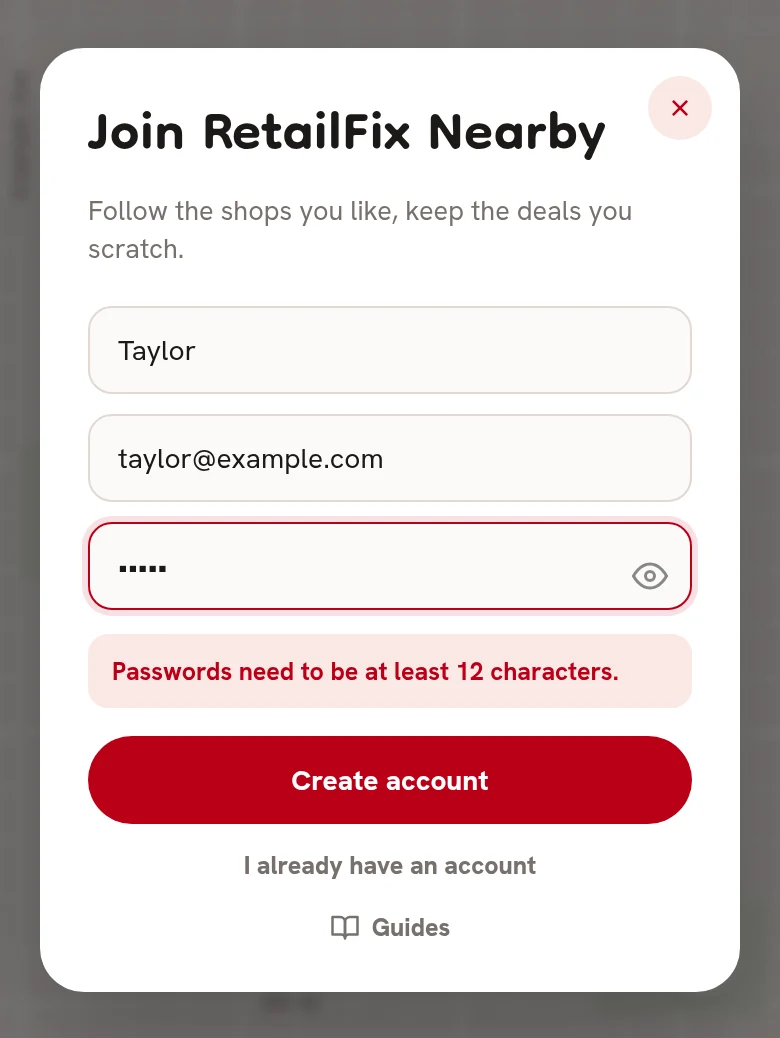
A message shows under the fields 1:
- Passwords need to be at least 12 characters.
- That email already has an account — sign in instead.
- That email and password don't match. when signing in.
- Too many attempts. Please wait a few minutes.
 1
14You're signed in#
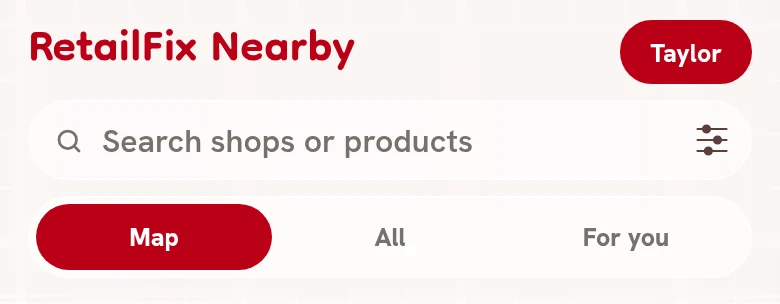
You're signed in straight away, and your first name 1 replaces Sign in. Tap it to open your profile. You stay signed in on that device for a year.
 1
15Forgotten your password?#
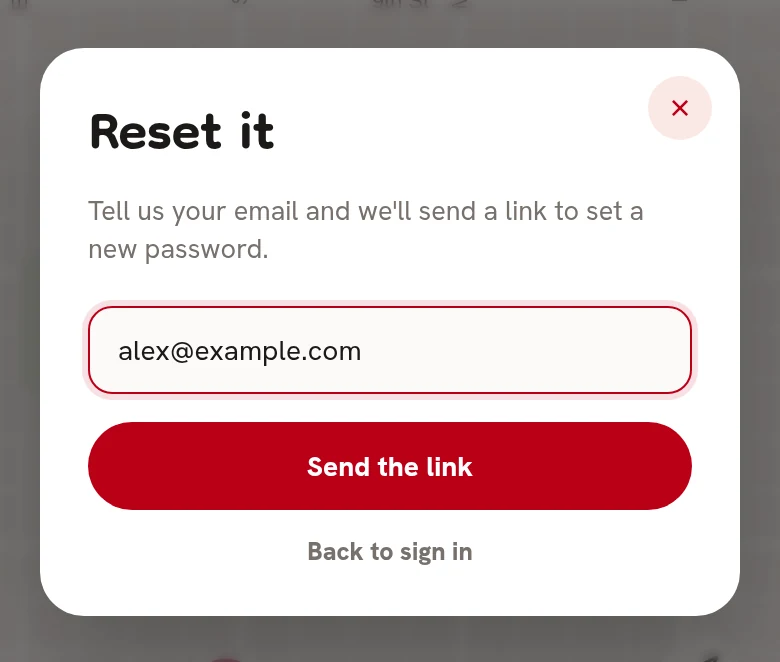
Tap Forgotten your password?, enter your email 1 and tap Send the link 2.
 12
126Check your email#
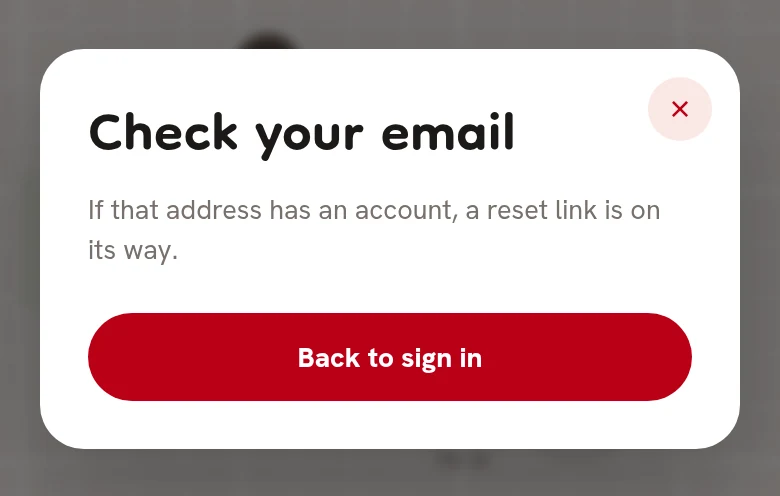
The box says Check your email. It says the same whatever address you enter.
7Open the reset email#
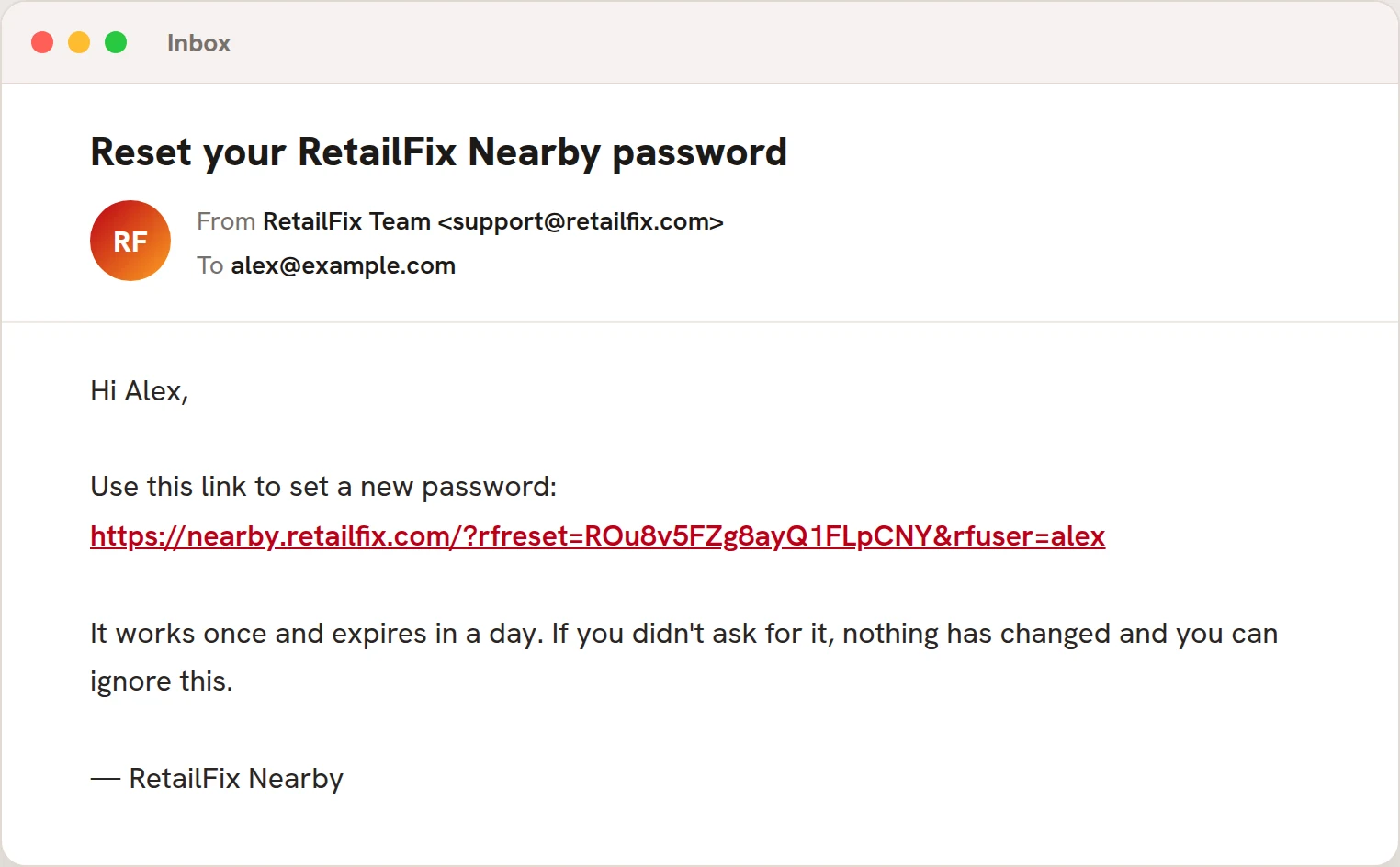
Open Reset your RetailFix Nearby password 1 and tap the link 2. It works once, within a day.
 12
128Choose a new password#
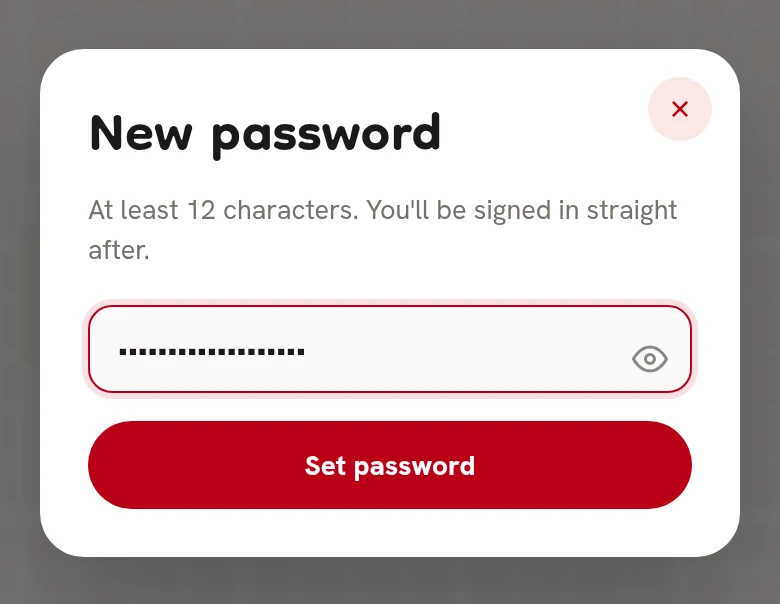
Nearby opens with New password. Type one of at least 12 characters 1 and tap Set password 2.
You're signed in, and signed out everywhere else.
 12
12