RetailFix Nearby
Finding shops on the map
Find shops near you on the map, see their hours and phone number, and get directions.
Download the PDF1The map#
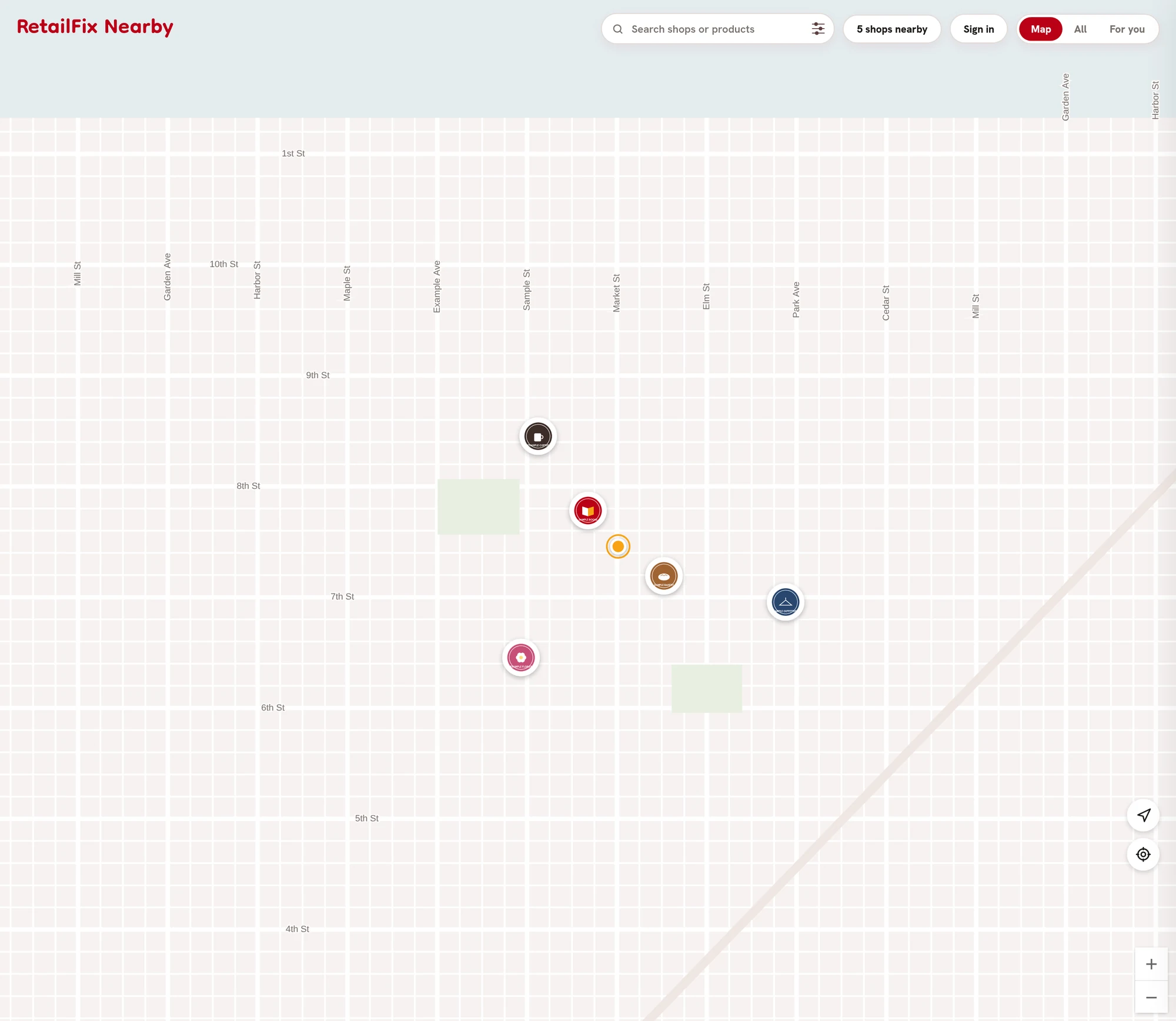
Allow your location when your browser asks. The map moves to where you are, shown as an orange dot. Without your location, the map shows every shop.
- The search box 1 and the Map, All and For you buttons 2 are at the top.
- Each pin is a shop's logo 3. Click or tap it to open the shop. Pins close together join into one with a number; click or tap it to zoom in.
- The arrow 4 turns live tracking on and off.
- The target 5 shows the way to the nearest shop.
 12345
123452A shop's page#
On a computer, the shop opens in a panel beside the map. On a phone, it fills the screen.
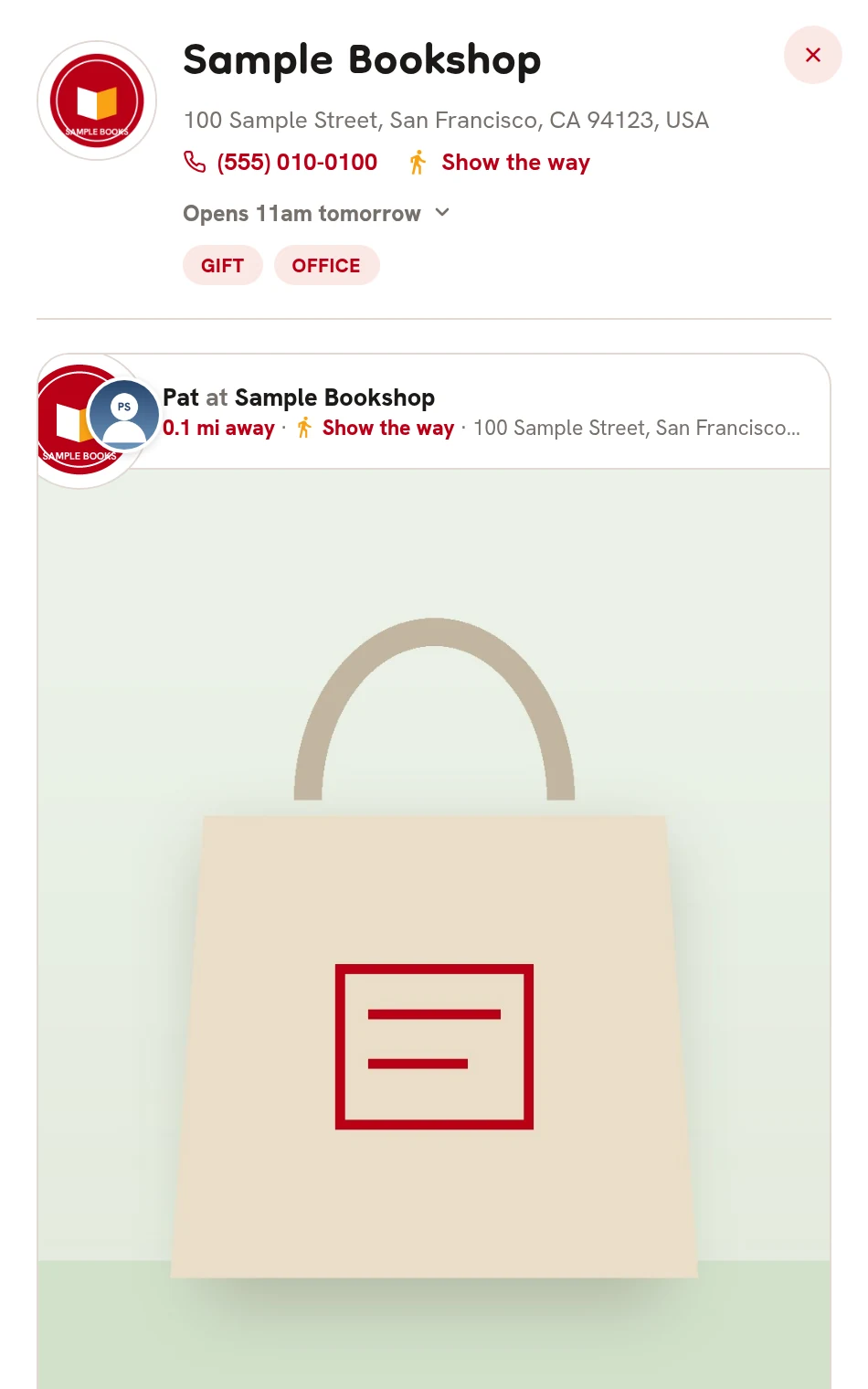
- The shop's name 1 and address.
- Click or tap the phone number 2 to call.
- Show the way 3 draws the route on the map.
- Whether it's open 4, such as Open until 6pm.
- What it sells 5.
- The X 6 closes the page.
Below are the shop's posts, with up to three live offers first.
 123456
3Opening hours#
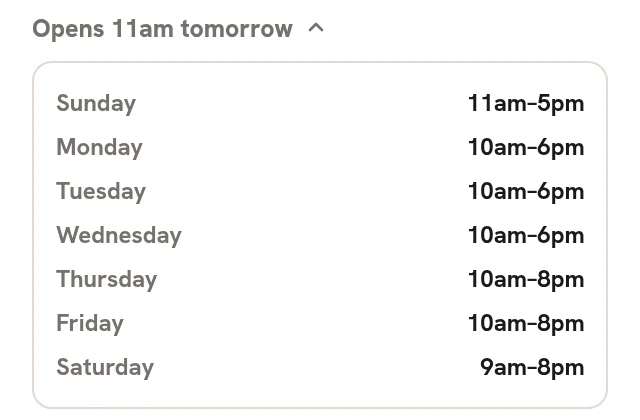
Click or tap the open line 1 to see the whole week.
 1
14Show the way#
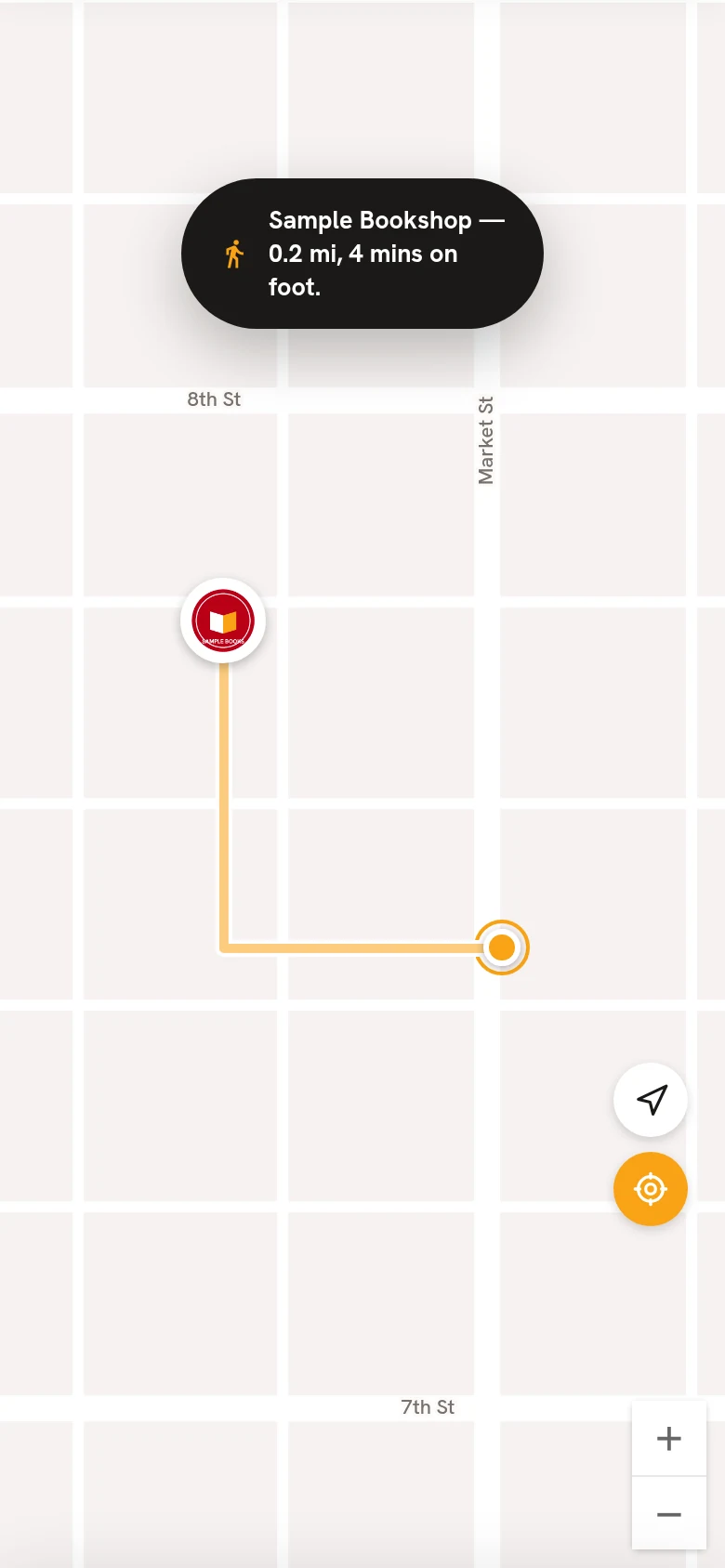
On a phone, the shop's page closes and the route appears on the map. A message says how far it is and how long it takes.
On a computer, the route appears beside the shop's page, and Show the way changes to Hide the way.
You're shown the walking route when the shop is 2.5 miles away or less, and the driving route when it's further.
5The nearest shop#
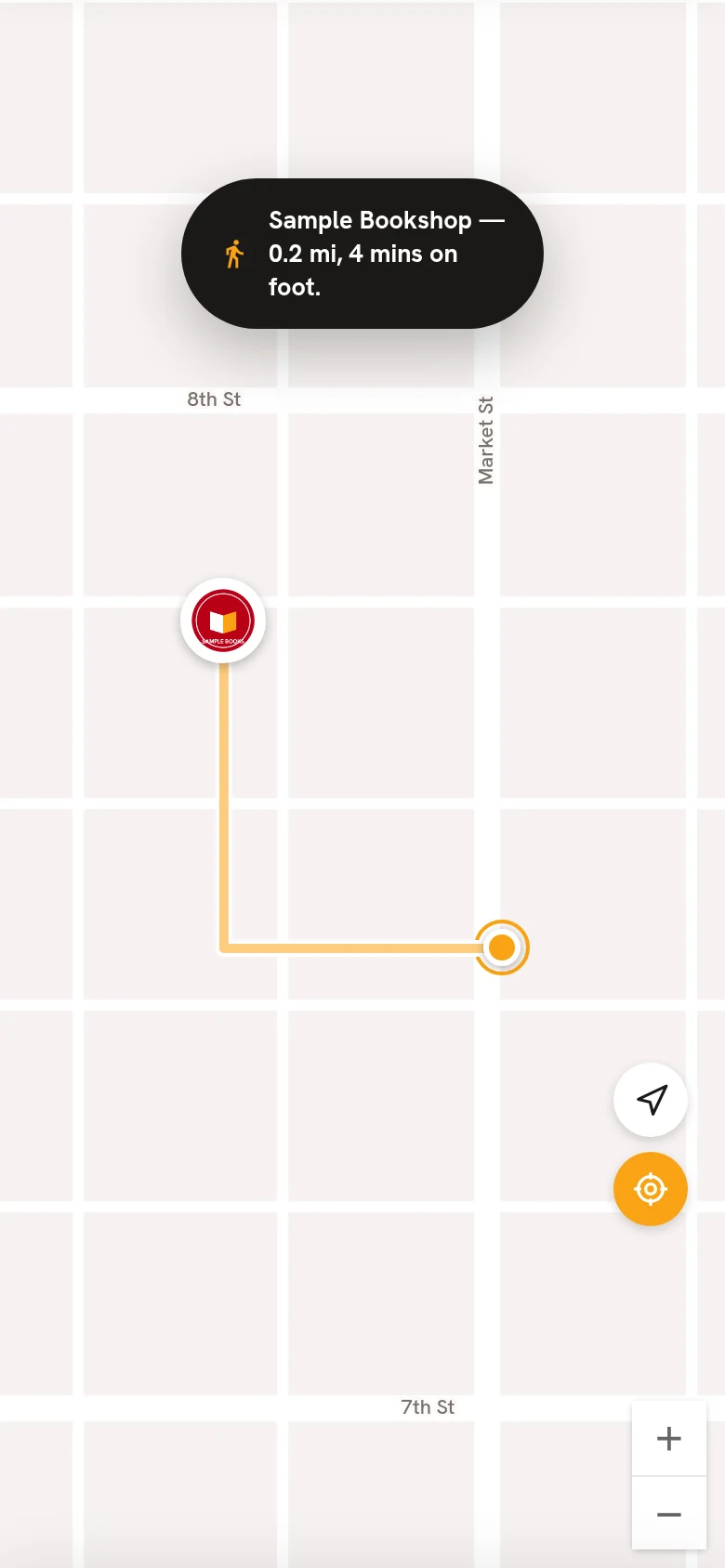
The target button 1 shows the way to the nearest shop on the map. It follows your search and filters, so it finds the nearest match. Tap it again to hide the route.
 1
1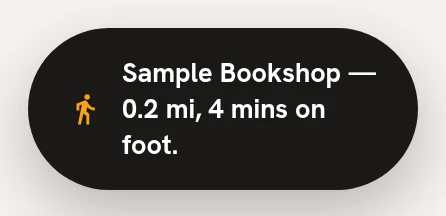
6Live tracking#
With live tracking on, your spot on the map moves as you walk, and distances update. Tap the arrow again to turn it off.
Turn on location to use live tracking. means your browser isn't sharing your location.