RetailFix Nearby
Alerts
Get alerts from the shops you like, and choose which ones come to this browser and which by email.
Download the PDF1Get alerts from a shop#
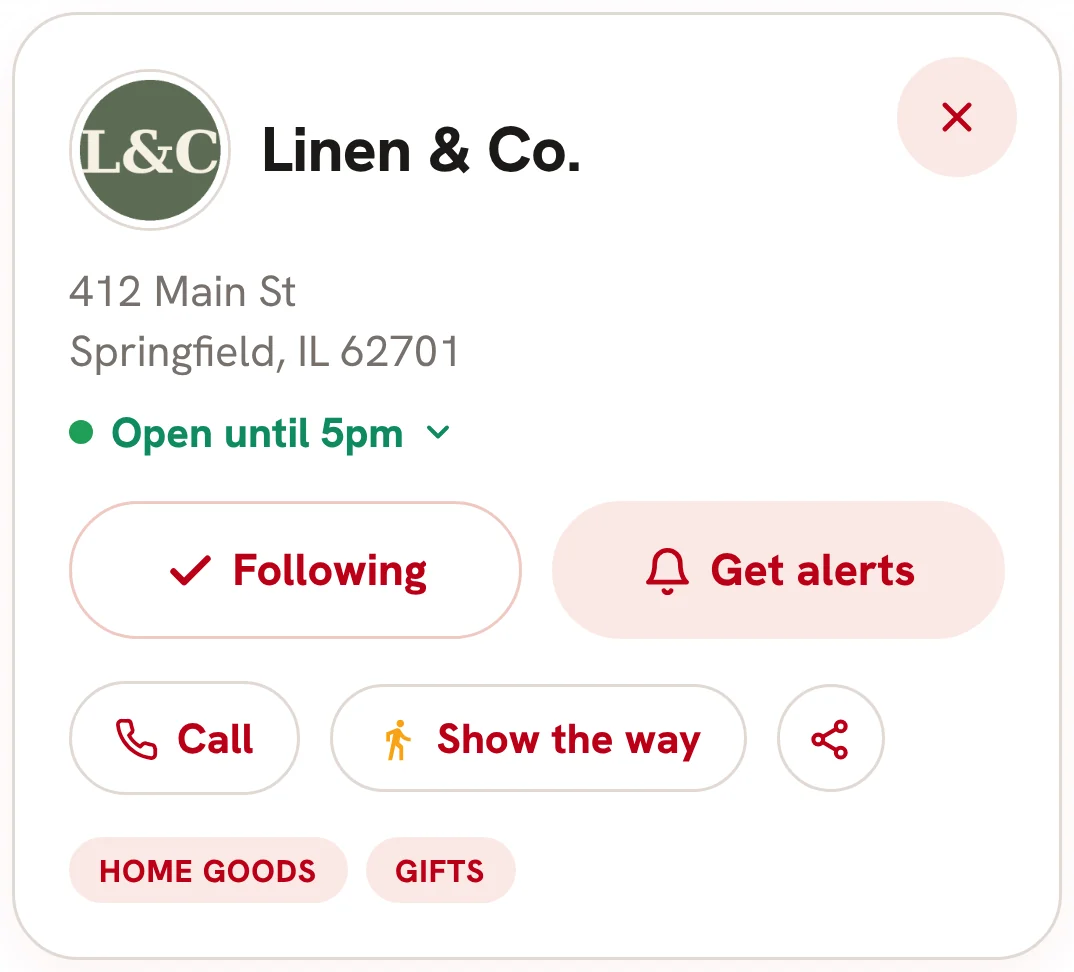
Open a shop and tap Get alerts 1. You need to be signed in. The first time, your browser asks to show notifications: allow it to get alerts on this device.
Alerts also come by email. If your browser can't show notifications, or you didn't allow them, a message says Alerts on, by email.
 1
2Alerts on#
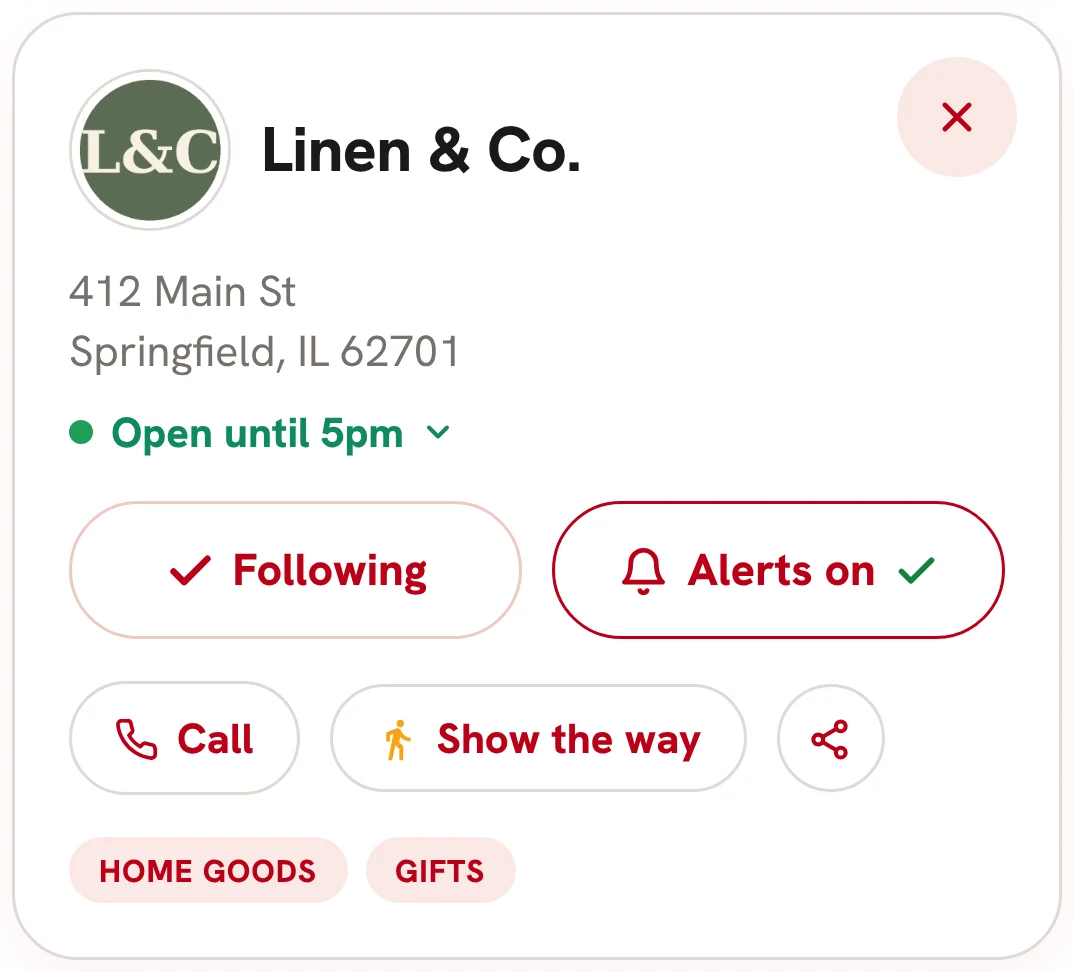
The button changes to Alerts on 1.
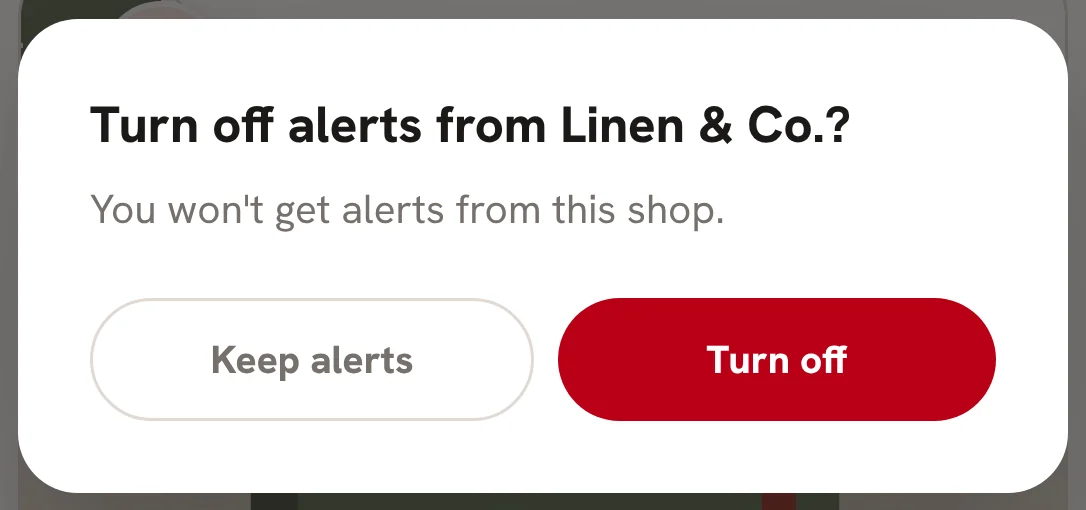
Tap it again to stop them. It asks first: Turn off 1 or Keep alerts 2.
 1
 12
3Choose your alerts#
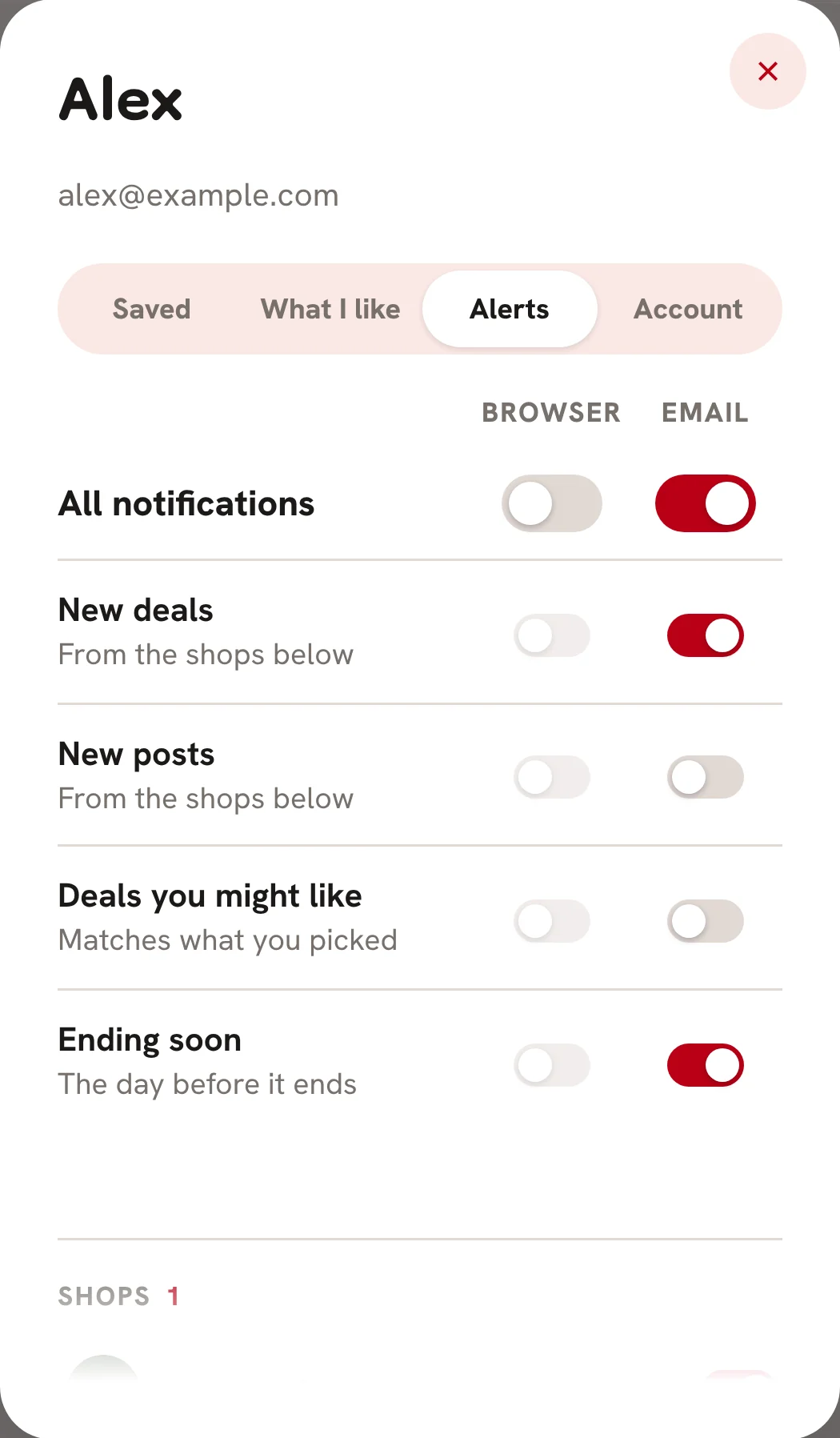
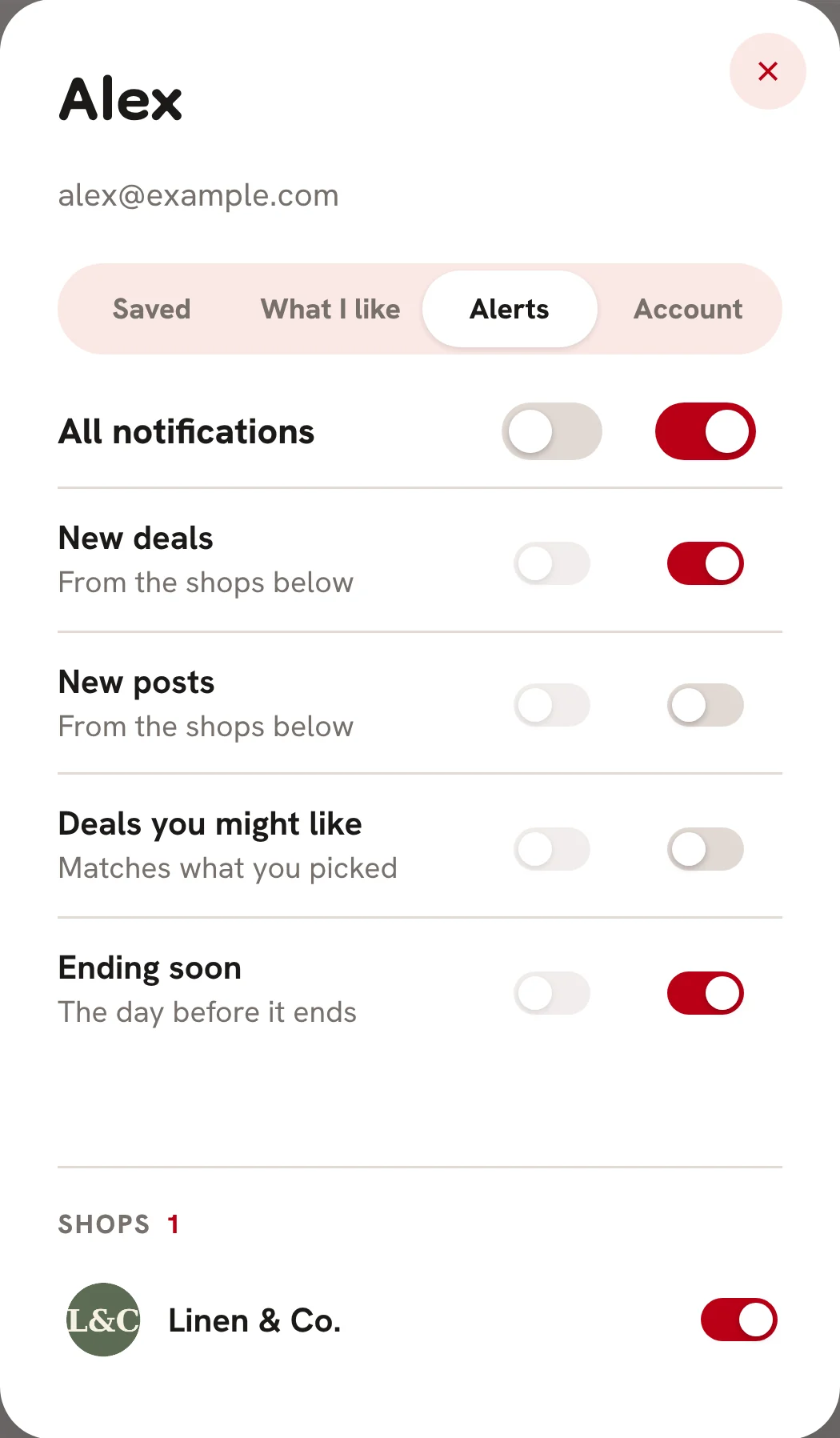
Tap Account at the top, then Alerts 1. Each alert has a switch for this browser and one for email.
- All notifications 2 turns a whole column on or off. With it off, the switches under it are grayed out, and keep their settings for when you turn it back on.
- New deals 3 and New posts 4, from the shops you get alerts from.
- Deals you might like 5, matching what you picked in What I like.
- Ending soon 6, the day before a perk you revealed, or a deal you saved, ends.
In the RetailFix Nearby phone app, Near a shop tells you when you're about 3 blocks from a shop you get alerts from.
 123456
4Your shops#
Under Shops, each shop you get alerts from has its own switch 1.
 1